


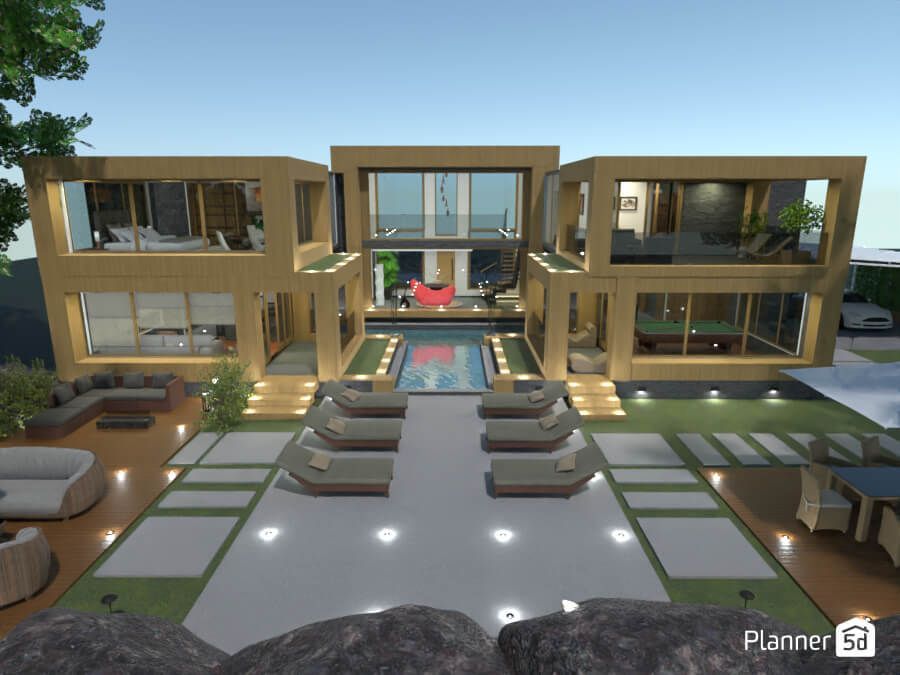
Are you ready to unleash your inner designer and transform your living space into a stunning masterpiece? Whether you’re dreaming of a cozy cottage or a sleek modern loft, Planner5D is the ultimate tool to turn those visions into reality. But let’s face it—navigating new software can sometimes feel like wandering through a maze without a map. Fear not! In this blog post, we’re diving deep into the top 10 tips that will not only enhance your experience with Planner5D but also elevate your design game to unprecedented heights. From mastering the interface to discovering hidden features, get ready to unlock the full potential of this powerful platform and create spaces that truly reflect your style. Let’s get started on turning those dreams into designs!
1. Familiarize Yourself with the User Interface
Getting comfortable with the Planner5D user interface is crucial for a seamless design experience. When you first log in, take a moment to explore the layout. Familiarize yourself with where tools and features are located. The main dashboard offers easy access to your projects. Look at the toolbar on the side; it’s filled with options that will become second nature as you use them more often. Hover over each icon to see helpful tooltips that explain their functions. Don’t rush this process. Spend time clicking through different sections, like creating new layouts or accessing templates. Understanding how everything works will save you valuable time later. You might find shortcuts that enhance your workflow significantly. As you navigate, notice how intuitive certain features are designed to be—this can make all the difference when bringing your visions to life.
2. Utilize the Built-In Design Catalogue
The Built-In Design Catalogue in Planner5D is a treasure trove of inspiration and resources. It’s designed to help users bring their visions to life without starting from scratch. Explore various styles, from modern minimalism to cozy traditional aesthetics. Each category offers numerous options that can elevate your project instantly. You can drag and drop items directly into your design space, streamlining the creative process. This feature saves time and enhances productivity. Don’t hesitate to mix elements from different categories for a unique flair. Combining furniture styles or color palettes can yield surprising results. Additionally, regularly check for updates in the catalogue. New additions are frequently included, giving you fresh ideas for each new project. Take advantage of this resource; it may just spark your next big idea!
3. Take Advantage of the 3D View Feature
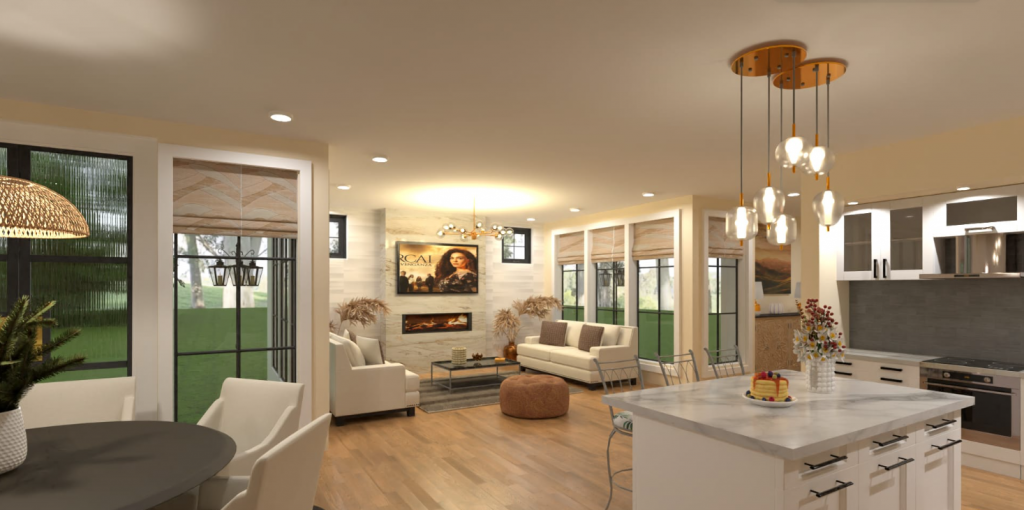
The 3D view feature in Planner5D is a game changer. It transforms your flat designs into immersive, lifelike spaces. This perspective allows you to visualize your project in ways that traditional 2D layouts simply can’t. Navigating through your design in 3D helps identify potential issues before they become costly mistakes. You can spot cramped areas or awkward furniture placements with just a few clicks. Moreover, this feature enhances creativity. Walking through your virtual space sparks new ideas and inspiration. Want to see how different colors and textures play together? The 3D view makes it easy to experiment on the fly. Sharing these visuals with friends or clients also adds impact. A stunning 3D walkthrough can communicate your vision more effectively than any written description ever could. Engage others right from the start by giving them an inside look at what you’ve created!
4. Save and Organize Your Designs
Saving and organizing your designs is crucial for a smooth workflow in Planner5D. As you create, it’s easy to lose track of ideas or projects if they aren’t stored properly. Start by creating distinct folders for different types of projects. This could be based on room types, styles, or clients. Having everything neatly categorized makes it easier to revisit old designs when inspiration strikes. Don’t forget to label each design clearly. Use relevant titles that reflect the project’s essence. This way, you can quickly identify what you’re looking for without sifting through countless files. Regularly backup your work too! This ensures that even if something goes awry, your creativity remains intact. Organizing isn’t just about aesthetics; it streamlines future edits and revisions. With an organized library at your fingertips, you’ll find working with Planner5D becomes even more enjoyable and efficient.
5. Collaborate with Others on Projects
Collaboration can elevate any design project. Planner5D makes it easy to work alongside friends, family, or colleagues. Sharing ideas and feedback creates a more dynamic creative process. Invite others to join your projects with just a few clicks. This allows for real-time input and encourages diverse perspectives. You might find someone has a great idea that transforms your initial concept. Use the chat feature to discuss changes as you go along. Instant communication helps keep everyone on the same page and fosters teamwork. Plus, it’s an opportunity to learn from each other’s strengths. Don’t hesitate to assign roles based on skills—some may excel in layout while others shine in color choices or material selection. Together, you can create spaces that reflect multiple viewpoints and preferences, resulting in richer designs than you could achieve alone.
6. Experiment with Different Materials and Textures
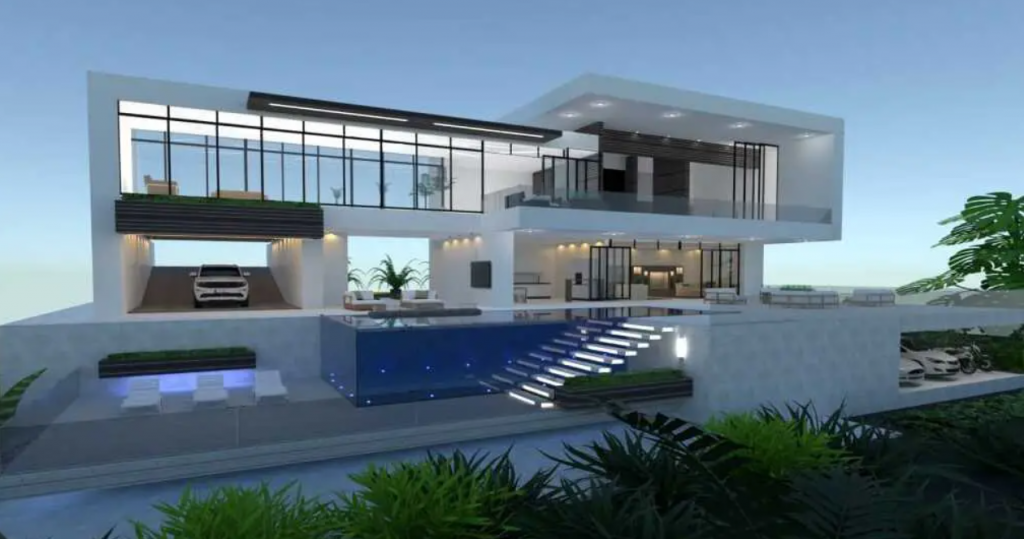
When designing your space in Planner5D, don’t shy away from experimenting with different materials and textures. This is where creativity truly shines. Mixing wood finishes with sleek metals can create an eye-catching contrast. Consider adding a soft rug texture to balance out hard surfaces like tile or concrete. Textures add depth and interest to your designs. Try incorporating fabrics that mimic real-world counterparts—think velvet cushions paired with rustic wooden furniture for warmth. Don’t forget about color! Different shades of the same material can convey various moods and styles. Play around until you find combinations that resonate with your vision. Remember, this is all about personal expression. Your unique style will emerge as you explore the vast options available within Planner5D’s library, allowing your imagination to take center stage in any project!
7. Use the Measurement Tools for Accuracy
Accurate measurements are key in any design project. Planner5D offers a suite of measurement tools that can take your designs to the next level. Using these tools ensures every element fits perfectly within your space. Whether you’re designing a cozy living room or an expansive kitchen, precision is essential. The measurement options allow you to set dimensions for each wall and furniture piece. This feature helps avoid awkward layouts and ensures functionality. Don’t overlook the importance of scale when placing items in your virtual environment. With everything measured accurately, visualizing how real-life proportions will work becomes much easier. Remember, even minor adjustments can make a big difference in overall aesthetics. So embrace those handy measuring tools! They’ll help create spaces that aren’t just beautiful but also practical for everyday use.